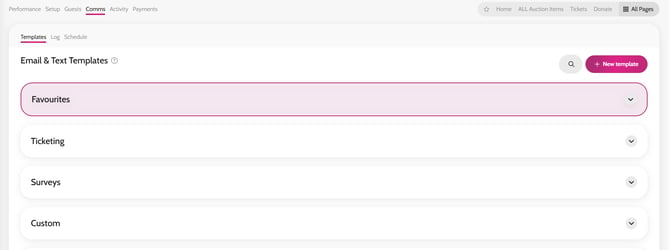
- Go to Comms > Templates
- Click on + New template
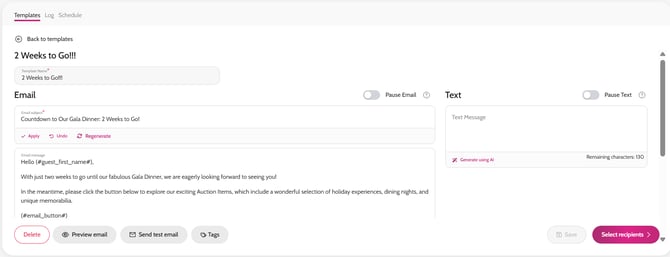
- Enter your Template Name, Email Subject, Email Message (and Text if you wish)
*Click Tags to personalise your email further using (#guest_first_name#)
- Add a URL of your choice in the Email Button URL field, along with Email button Text - this could be a URL to the Auction page for example, called View Auction Items
- Click Save
*Once you have saved your communication template, you can optimize it with AI, please see article here
Creating your own communication template