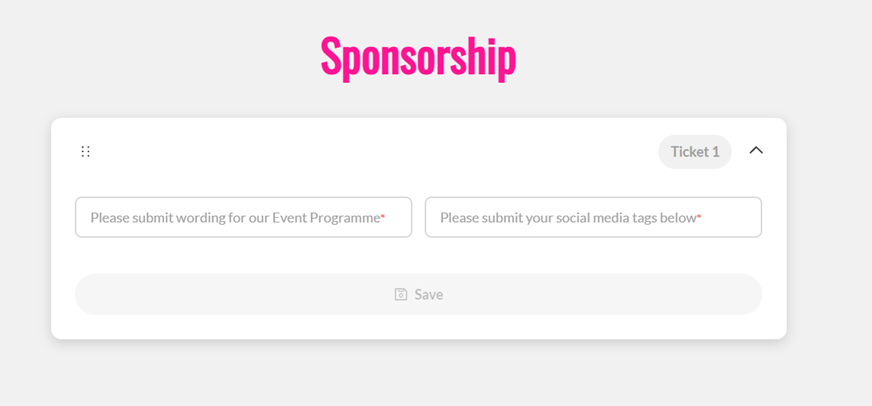
- Go to All Pages > Tickets > Ticketing Overview
- Click on ‘Create Ticket’
- Select the Full layout form (top right)
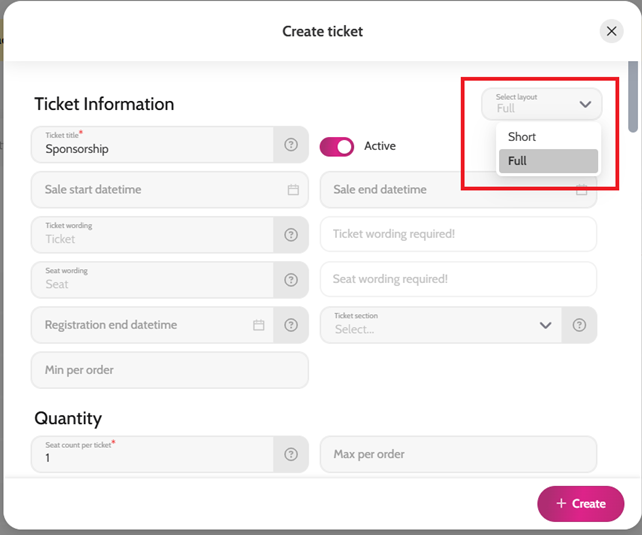
- Complete all relevant fields (e.g. ticket name, sale start and end time, seat count, quantity of seats available, short description, longer description, image, price etc)
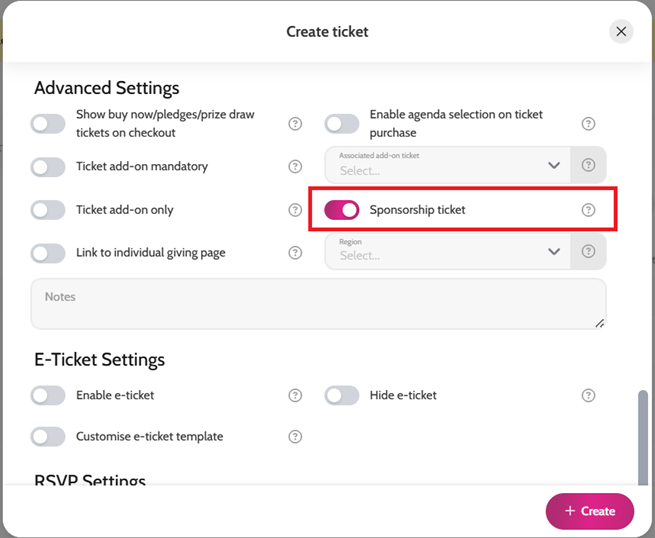
- Enable the “Sponsorship ticket” toggle
- Click ‘Create’
- You can still assign registration questions to a sponsorship ticket for the ticket purchaser to complete, please see help article here.
*Please note, purchasers won't be asked to provide guest details for sponsorship tickets.