
- Navigate to the left hand menu
- Click on Account
- Click on Payments
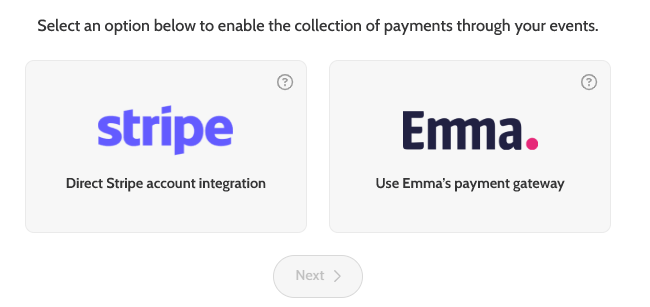
- Choose Emma (Use Emma’s payment gateway)
- Click Next
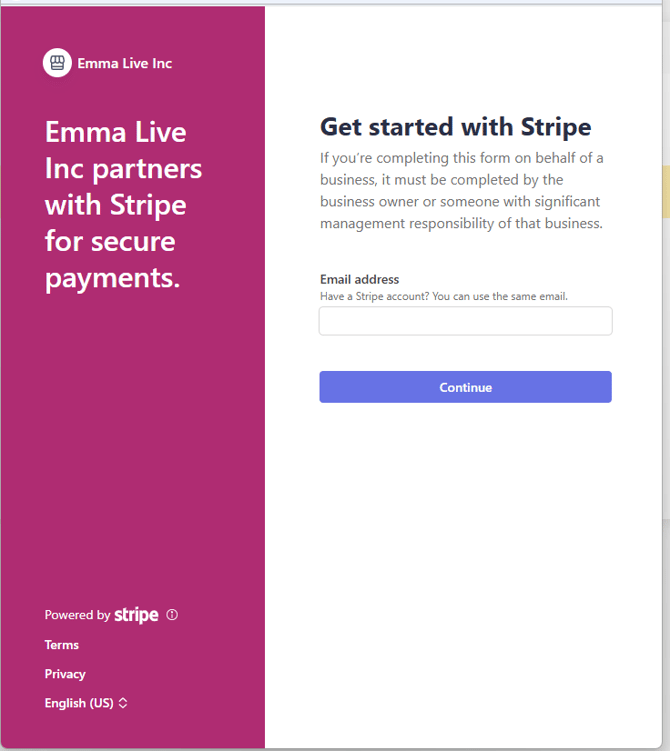
- Add your email > click Continue
- Add your email > click Continue
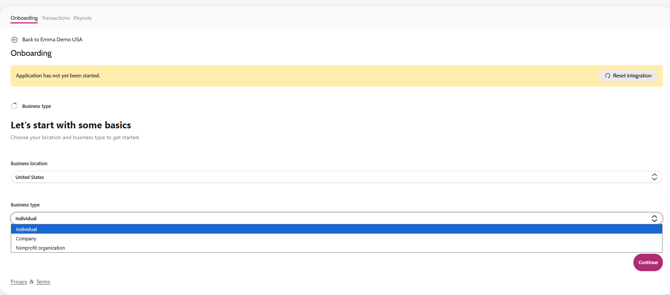
- Select your business location and business type
- Click Continue
- Follow the steps that will guide you through the rest of the set-up process
- Once all the information is submitted, it will go into review by Stripe for verification
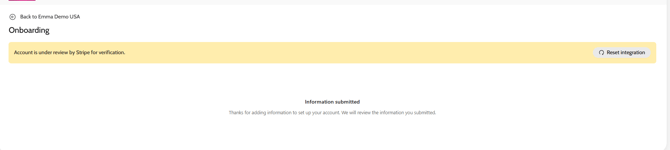
- Once it’s been verified by Stripe you will see a green Active status in the Account > Payment tab
