- Go to All Pages > Leaderboard
- Click to expand Elements
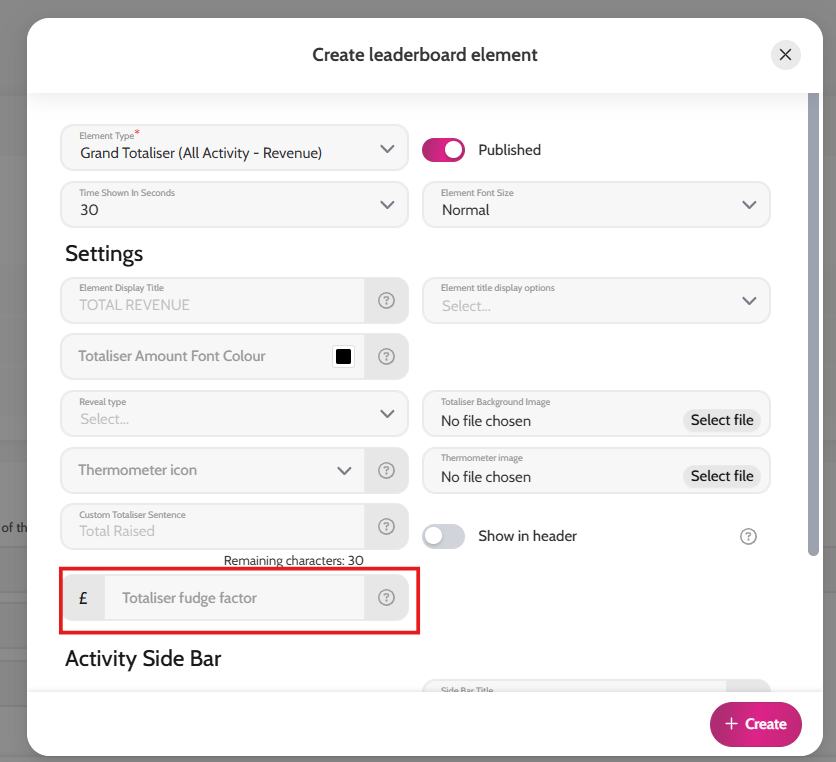
- Choose any of the Totalisers from Element Type field
- Under Settings add in the amount into the Totaliser Fudge Factor field
- Please note: if you want to add an amount, simply add the number (e.g. 1000), if you want to take away an amount, add it with a minus '-' in front of it (e.g. -1000)
- Click Create