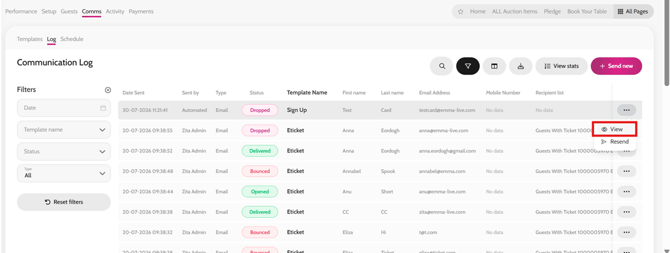
- Open your microsite
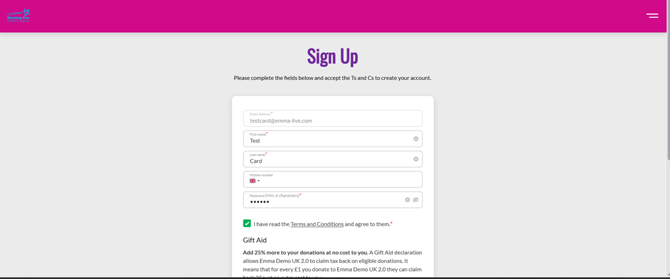
- Sign up with an email address that ends with @emma-live.com (e.g. test@emma-live.com or yourname@emma-live.com) and use the below test card details for making a payment.
- Under the payment section use the card details as follows: 4242 4242 4242 4242 04/30 424
*Please note that since the email address you will be using is not a live email address you will not receive the comms sent, but you can check and preview these under Comms > Log.
Signing up with an Emma Live email address
Making a test payment

Viewing test payment communications in the Comms Log