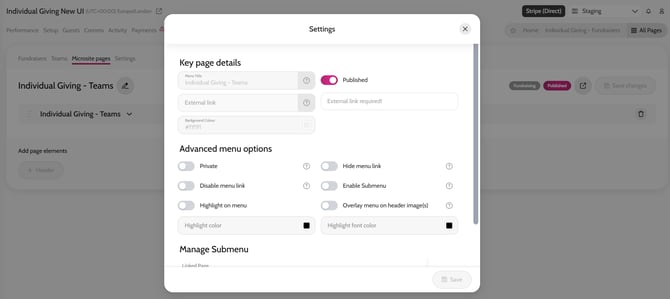
- Go to All Pages
- Click Published on the Individual Giving – Teams page
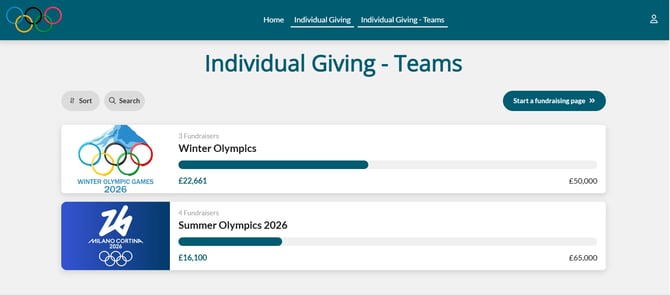
- Your Teams page is now a standalone microsite page that you can share with donors
You can re-name this page if you would like to:
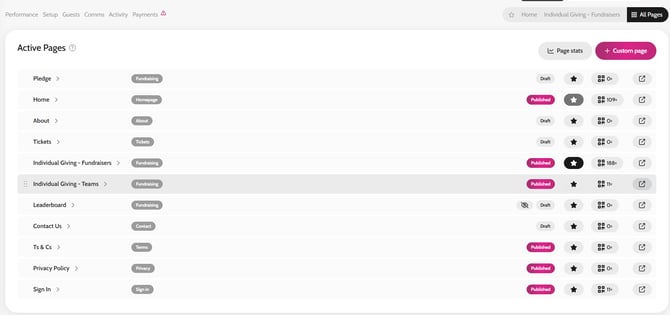
- Go to All Pages
- Click Individual Giving – Teams
- Go to the Microsite Pages tab
- Click Individual Giving – Teams
- Click the Edit Pencil icon
- Edit the Menu Title
- Click Save
Publishing your Teams page
Editing the Menu Title