The below is relevant for when a charity has a limited number of charity places for a mass pax event (eg London Marathon) and need to take applications. They will then review these applications and decide whom to give their charity places to. They will then ask them to pay the registration fee and set up a fundraising page to raise the minimum amount required for the event.
- Set up a survey in Emma for the “Register your interest form” - if you require people to sign up to the site, you can get their basic info at this point, and they will appear as “Guests” in the back end of Emma
- In the back end of Emma, charity then creates a ticket for the paid place, assigning it the value of the price of the charity place
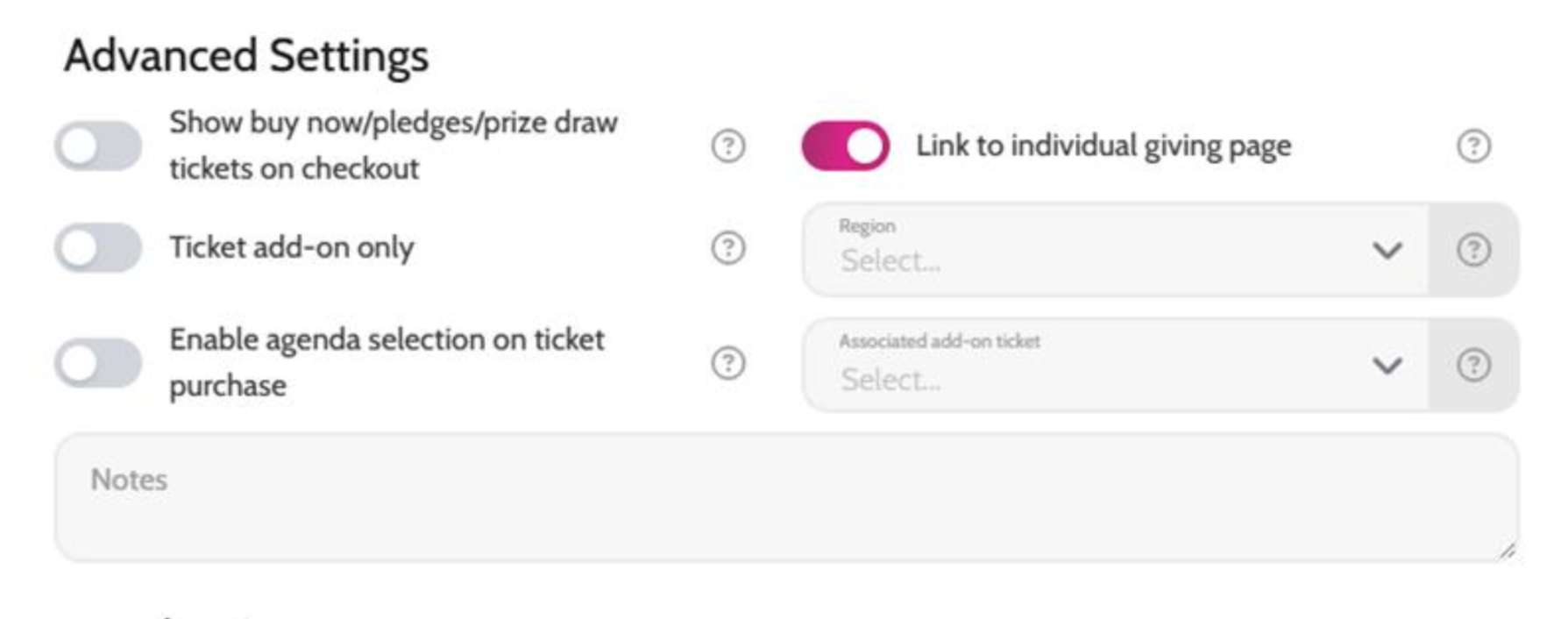
- IMPORTANT: make sure when creating the ticket that you go to "Advanced settings" and turn on "Link to Individual Giving Page"
- In the back end of Emma, charity will need to turn off the automated ticket confirmation comms
- They will then need to edit the following comms:
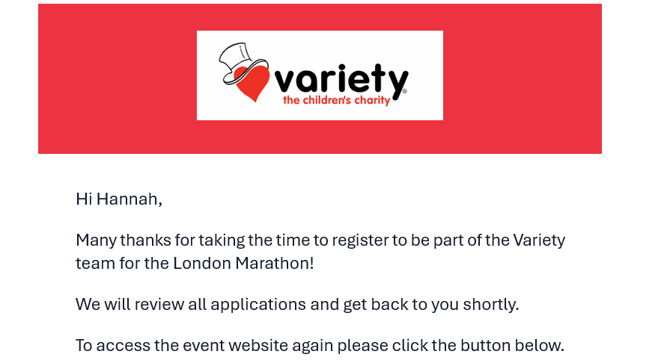
- “Post survey completion” in Survey – this will be the email sent to people once they register their interest
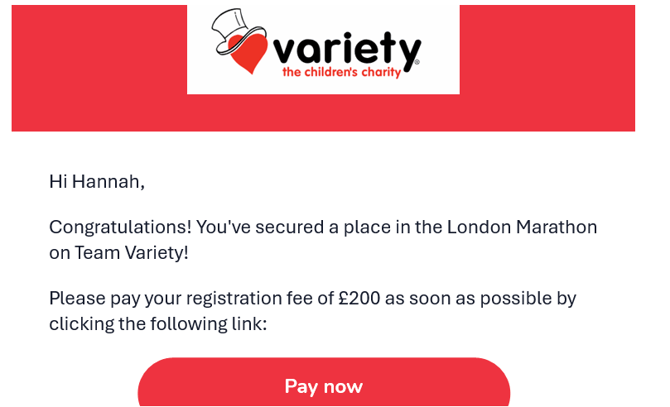
- “Guest pay link” template in Payment – this will be the email sent to those they choose to give a place to with a link to pay their registration fee
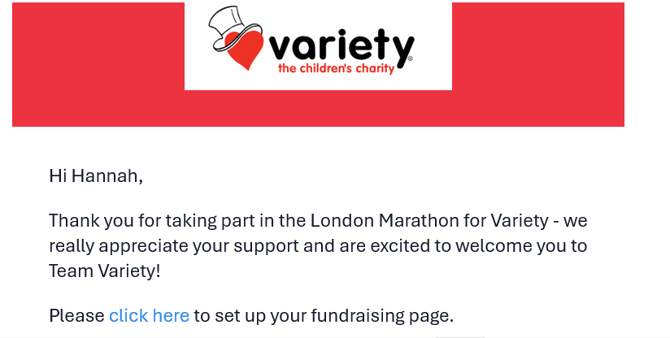
- “Payment confirmation” template in Payment – this will be the automated email participants receive once they’ve paid their registration fee
- IMPORTANT: charities need to include a hyperlink to the fundraising page on the microsite to encourage people to set up their fundraising pages at this point.
- All individual giving comms need to be customised
- Charity can then start taking applications
- Review applications by exporting a CSV file of the survey data, which will contain all the applicants and their information/answers
- Charity can then decide whom to give their places to
- Charity can then go to Guests and bulk select those that they are giving their charity places to and assign them the relevant ticket
- Charity will then need to go to Payments -> Guests. Here they will see all the people they have allocated places to. They then need to select all these guests and use the bulk tool to click “send payment link”, which will send the email with the link for them to pay their registration fee
- Once they pay the fee, they will then receive the “Payment confirmation” email, where the charity has hyperlinked to set up their fundraising page