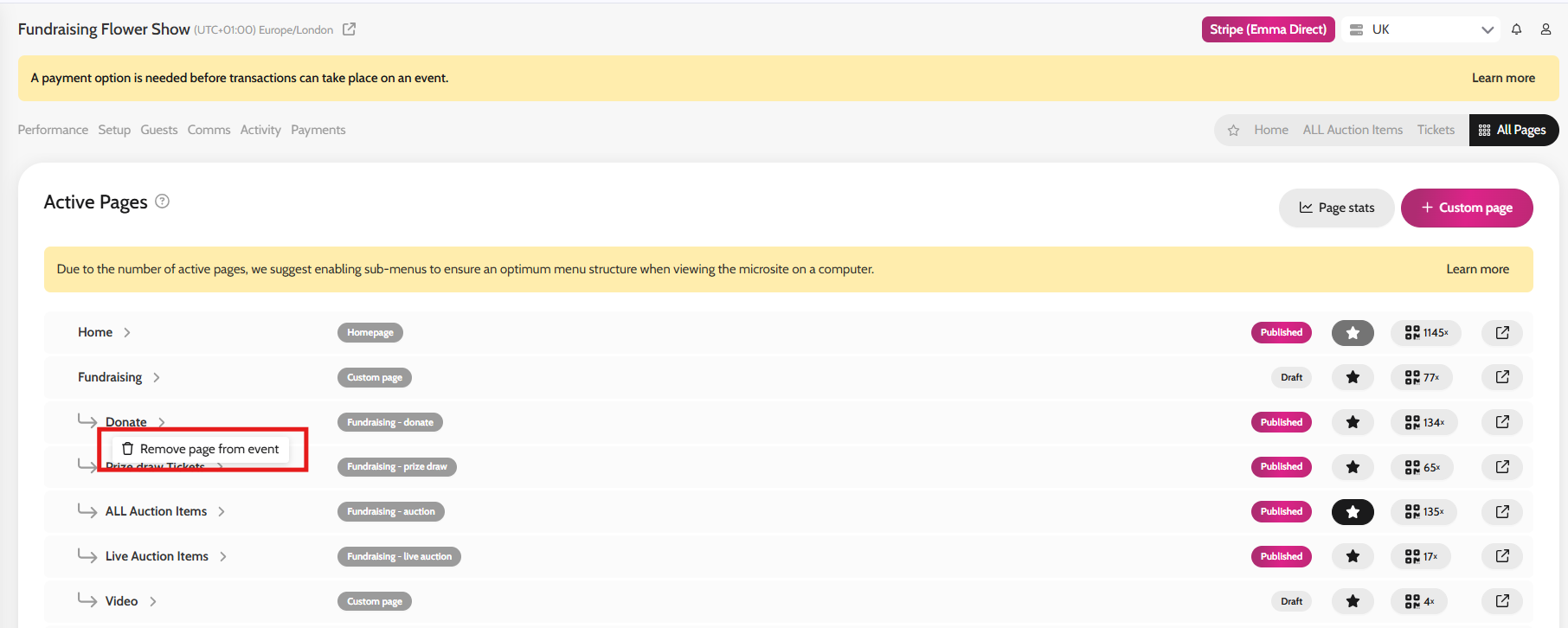
- Go to All Pages
- Right click on any page you'd like to remove > click on "Remove page from event"
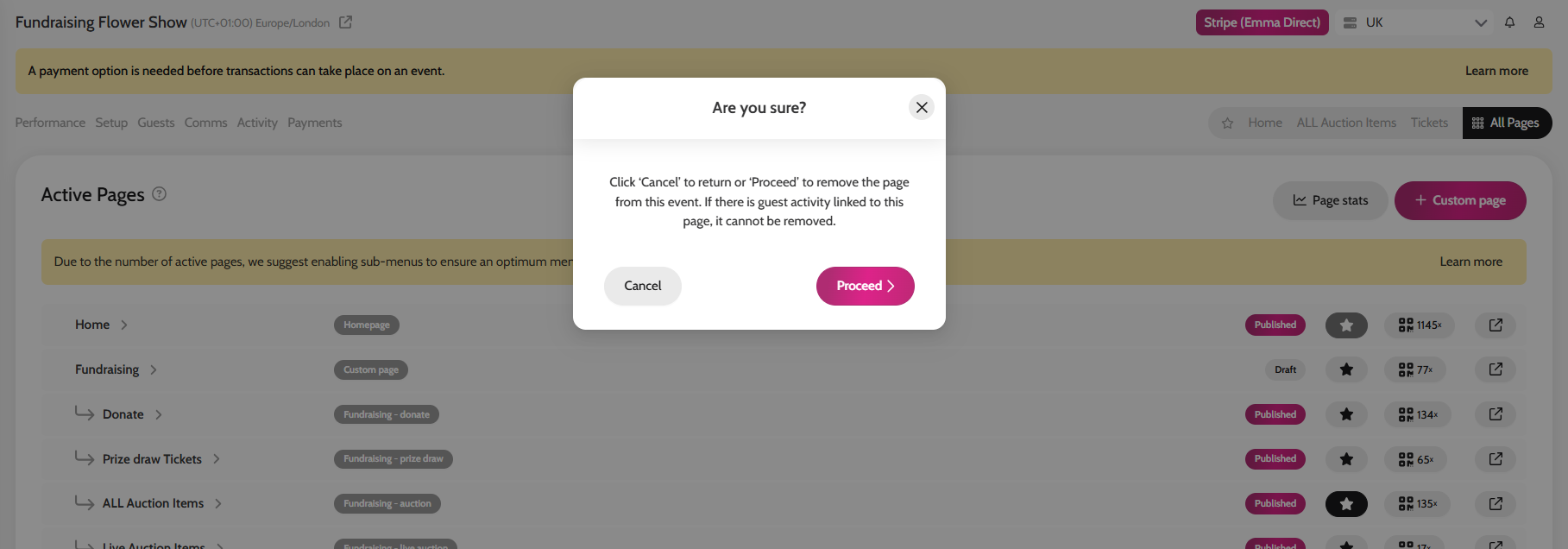
- Click on Proceed
- Once you have clicked this, the page will move back down to Add Pages section and you are able to add it back to your event later on should you wish to
*Please note that only pages without any activity can be removed. For example if you have a donation page where a guest has already made a donation or if you have added activity from the backend to it, you won't be able to remove the page.
**Only functionality pages that you can add to an event can be removed from it. Any pages that are vital for the event (e.g. Home, Contact Us, Terms & Conditions, About, Privacy, Sign Up etc) can't be removed, however you can still draft them.
Removing a page