
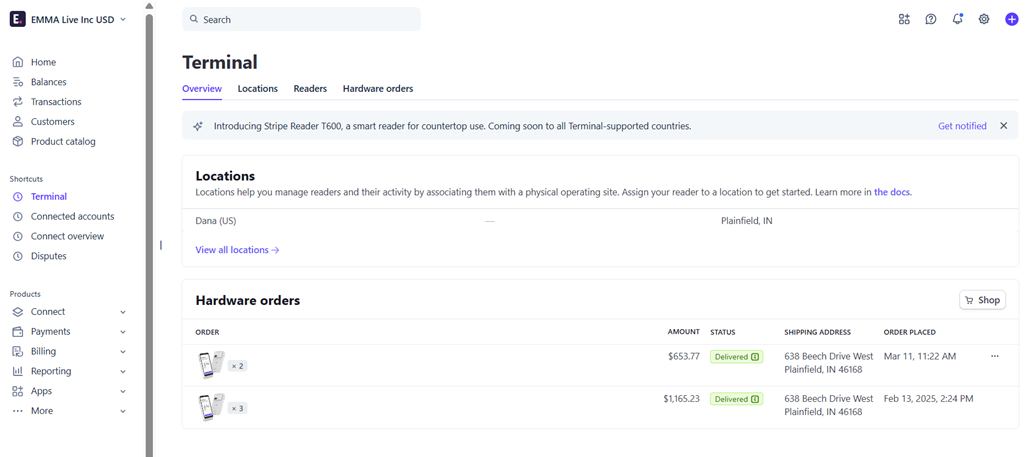
- Navigate to your Stripe account Dashboard
- Search for Terminal in the search bar
- Click on Shop
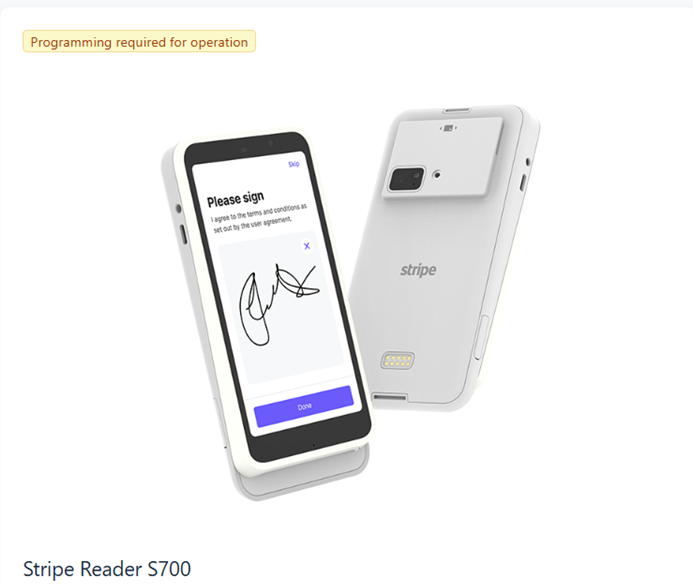
- You will be given several terminal options, however the Stripe Reader S700 with WIFI connectivity is the only one compatible with the Emma check in/payment system.
- Once you receive your terminals, please reach out to your Account Manager, to schedule a call to connect the terminals to your event.