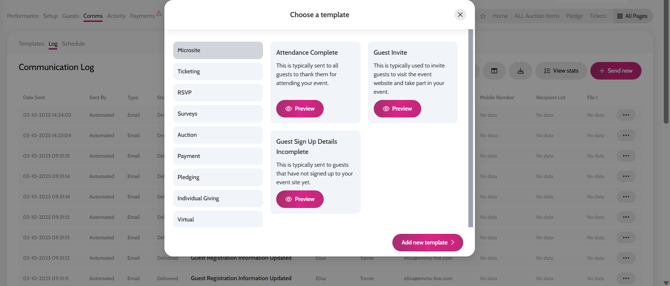
- Go to Comms > Log
- Click Send New. Please note that only manual templates can be selected.
- Click the template you want to send
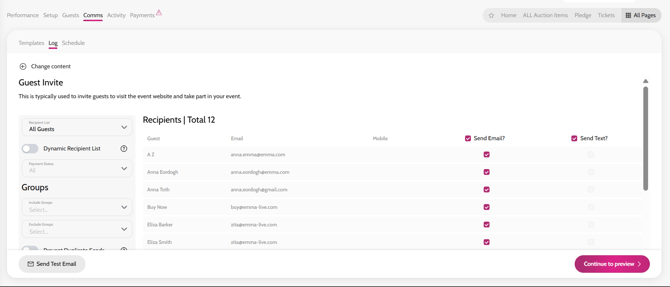
- Click on the Select Recipients button > Select the recipient list that you would like to send the communication to
- Deselect any guests who should not receive the communication
- Once you have selected the recipient list, click on the Continue to preview button
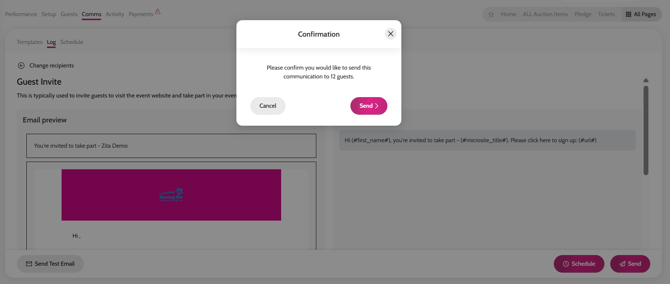
- Click ‘Send’ > click ‘Send’ again to confirm
The communication is typically sent within a few minutes and will appear in the Log under Comms > Log. If it does not appear after a reasonable time, contact support.
Manually sending communication