- Go to All Pages > Leaderboard
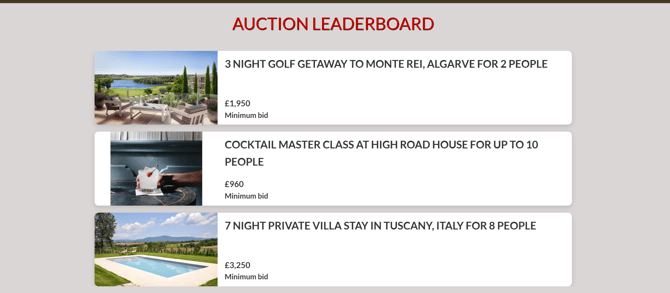
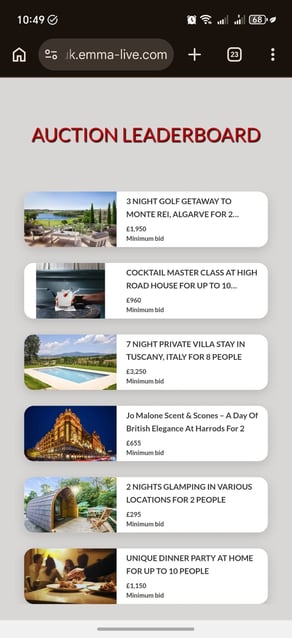
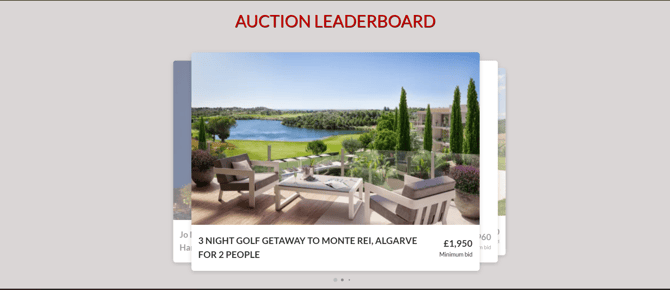
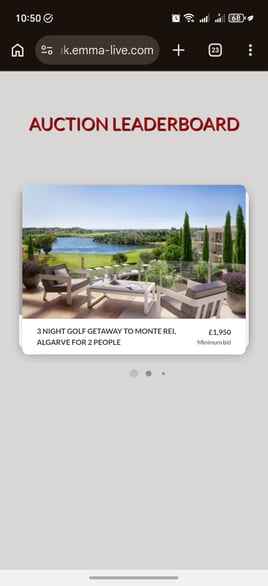
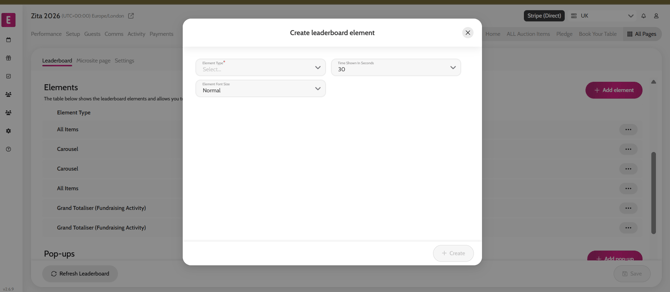
- Under the Elements section click ‘Add element’ > select All items and/or Carousel > select time shown on screen
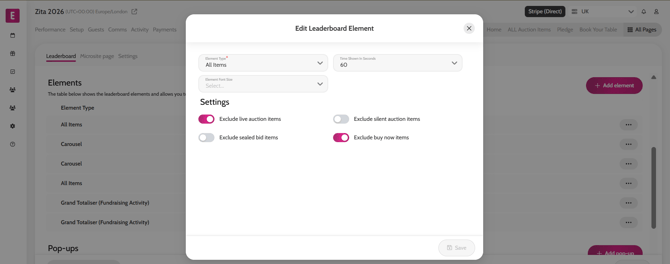
*Once elements are added click on the ‘…’ next to the element to customise settings such as excluding live auction items from the element shown on screen.
Adding elements
Element settings
Leaderboard on different screen sizes