- Go to Guests > Overview
- Search for the guest name
- Click the three dots '...' on the guest’s row to Edit their profile.
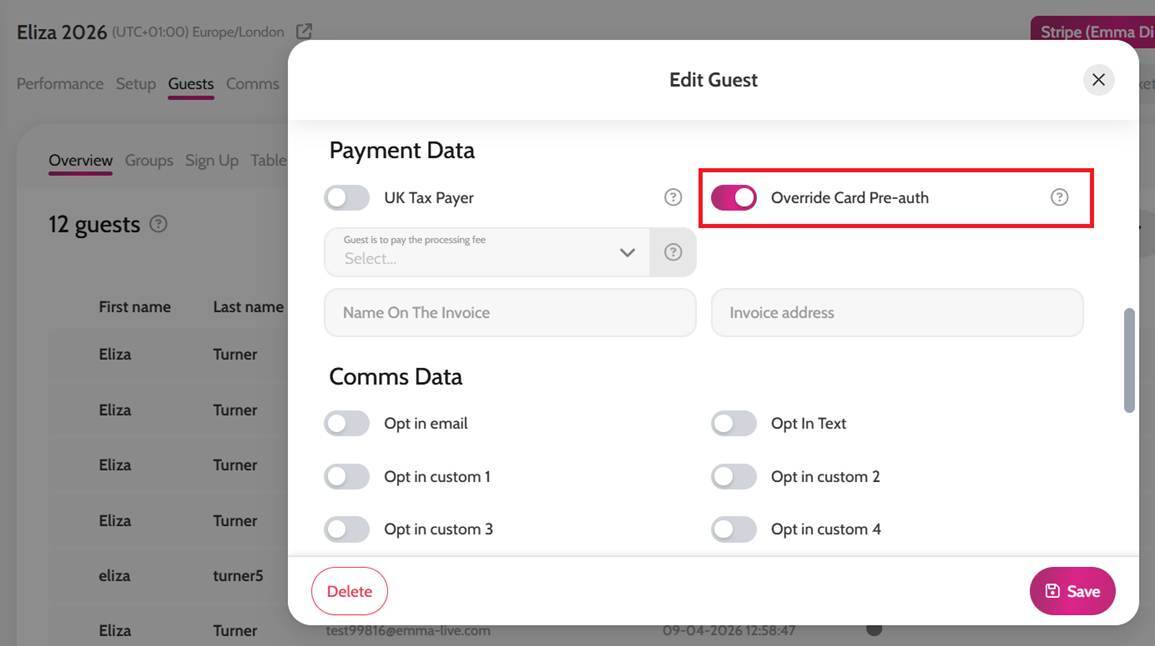
- Scroll down to Payment Data
- Toggle on Override Card Pre-auth
- Click Save to apply the changes
*When Override Card Pre-auth is enabled on a guest's profile, the guest can place bids without pre-authorising their payment card. If the guest wins an item, they can be sent a payment link to complete their payment.