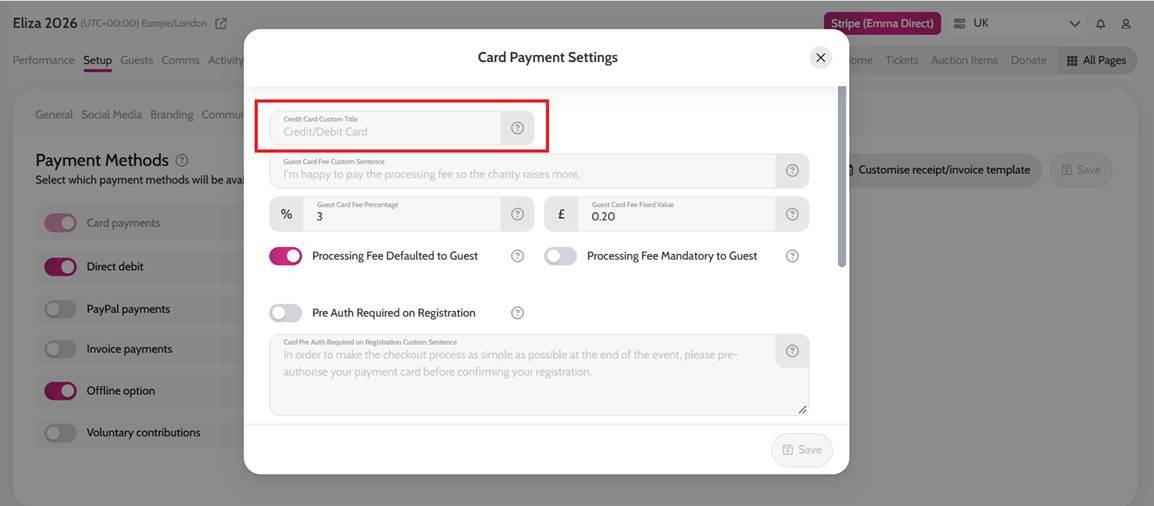
- Go to Setup
- Select Payment Methods
- Click Configure next to the payment method you wish to amend
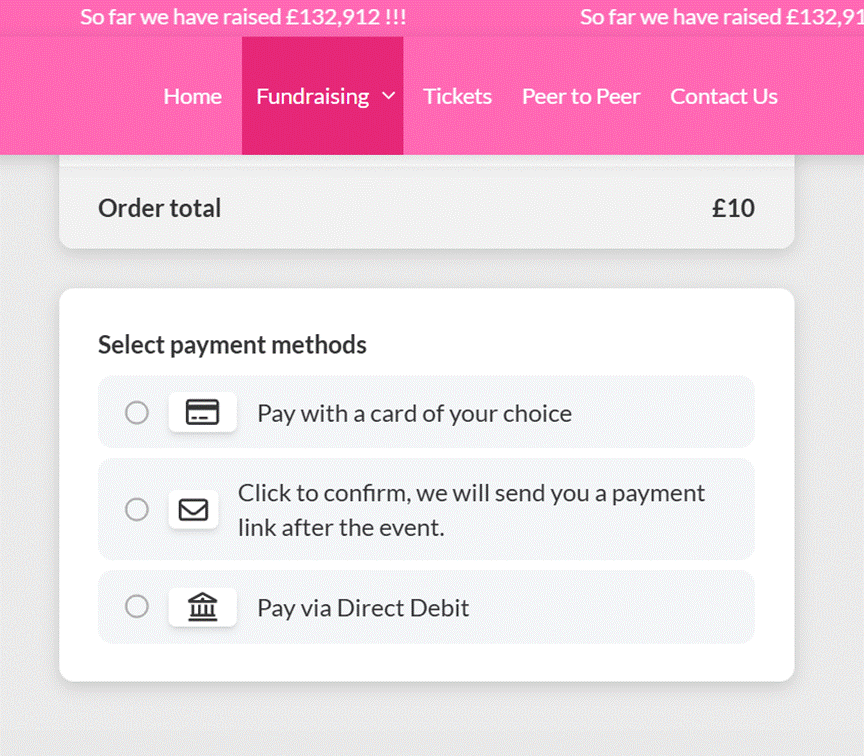
- Edit the Payment Method Custom Title to display your preferred wording
- Click Save to apply your changes
*For both Card Payments and Direct Debit, you can also customise the guest card fee message. This allows you to provide additional context about the fee, such as explaining that it helps the charity receive the full donation amount.
Your updated payment method wording will now be displayed to guests when they reach the checkout page.
Customising Payment Method Custom Fields