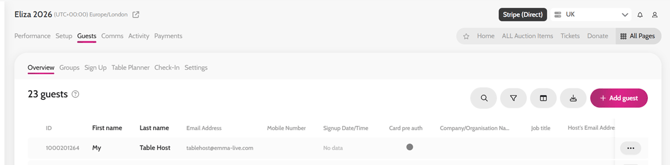
Firstly, you will need to add your Table Hosts / Lead Purchasers to Emma
- Please see the help article here for adding guests to our event * We recommend only uploading First Name, Last Name and Email for the contact details
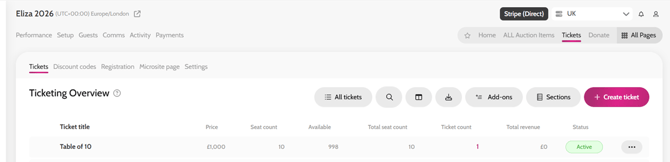
Create the ticket/s that this host / purchaser has bought outside of Emma e.g Table of 10, an Individual Ticket or a Team of 4
- Please see the help article here for creating a ticket
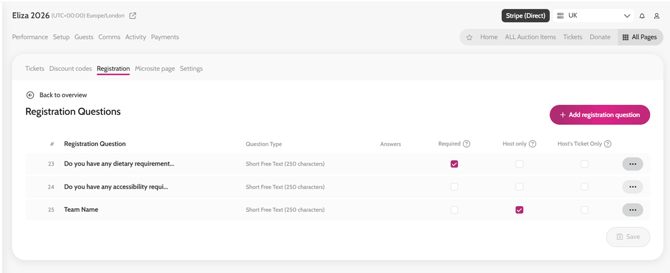
If you need to collect dietaries or other information for each guest, the ticket will need to be assigned registration questions
- Please see the help article here for assigning registration questions to tickets
Assign the ticket/s to your Table Hosts / Lead Purchasers
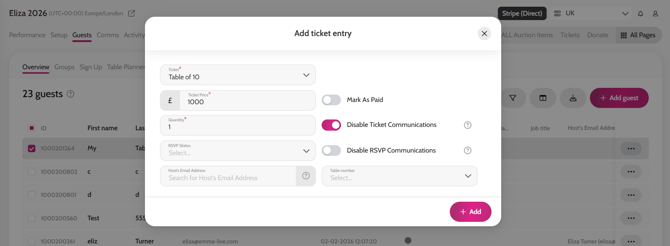
- Please see the help article here for assigning tickets to guests * We recommend toggling on Disable Ticket Communications when assigning, so that guests are not notified at this stage
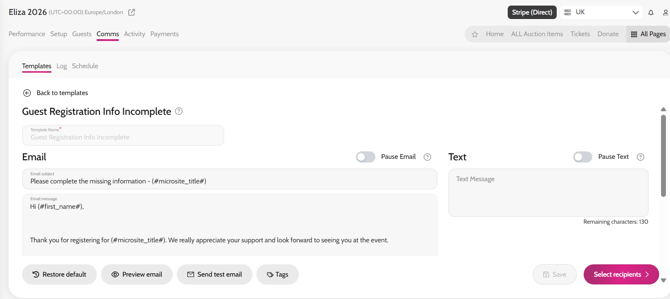
Once your Table Hosts / Lead Purchasers have been assigned their tickets, you can send the communication asking them to complete their guest’s information
- Please see the help article here for sending Table Hosts / Lead Purchasers the Guests with Registration Info Incomplete email * You can amend the email if you wish, before sending