- First you need to create a pledge How to create a pledge instructions
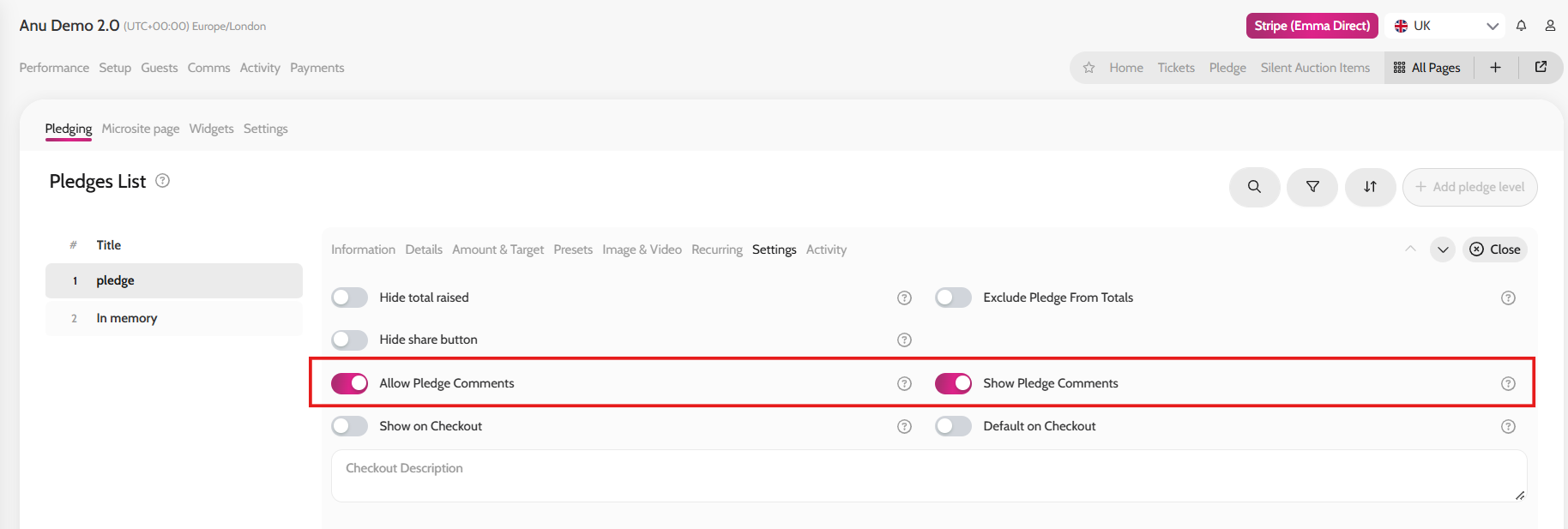
- Once created, click into the pledge level
- Click on Settings
- Enable "Allow Pledge Comments"
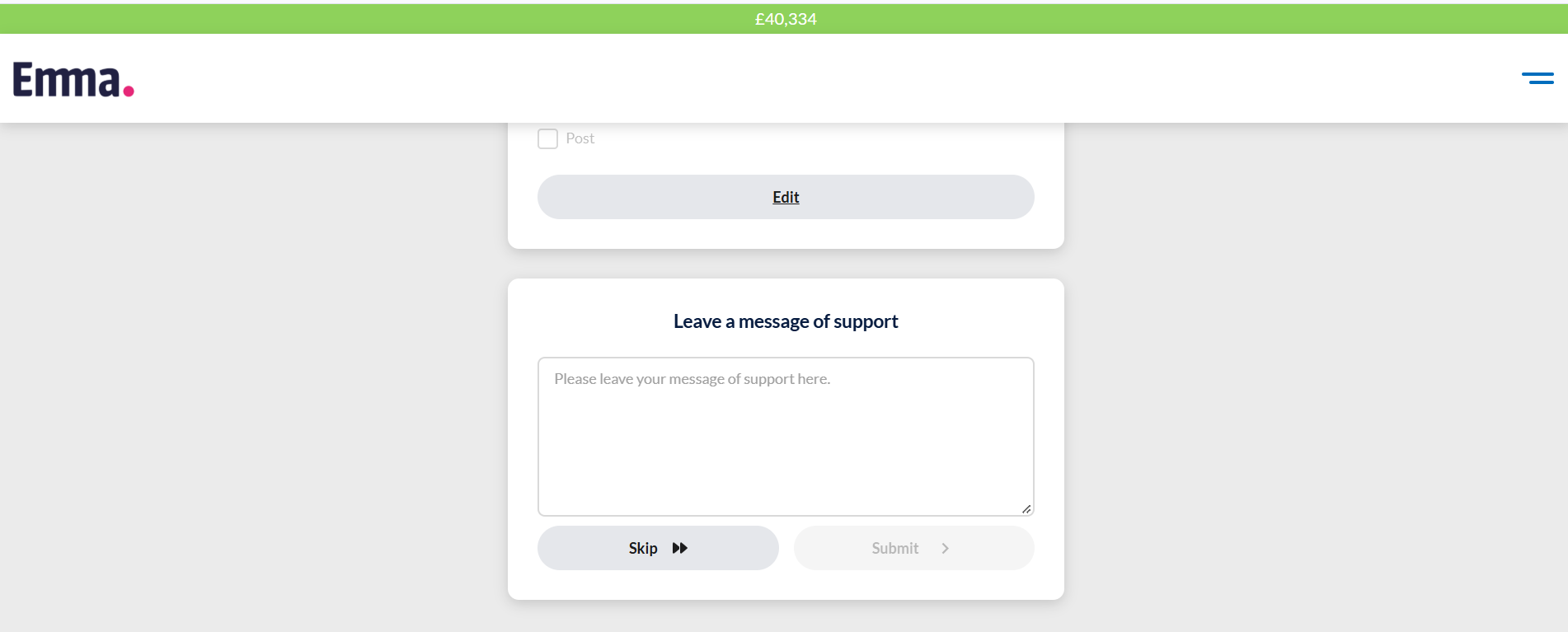
- Guests can now leave a comment when they are making a pledge or donation
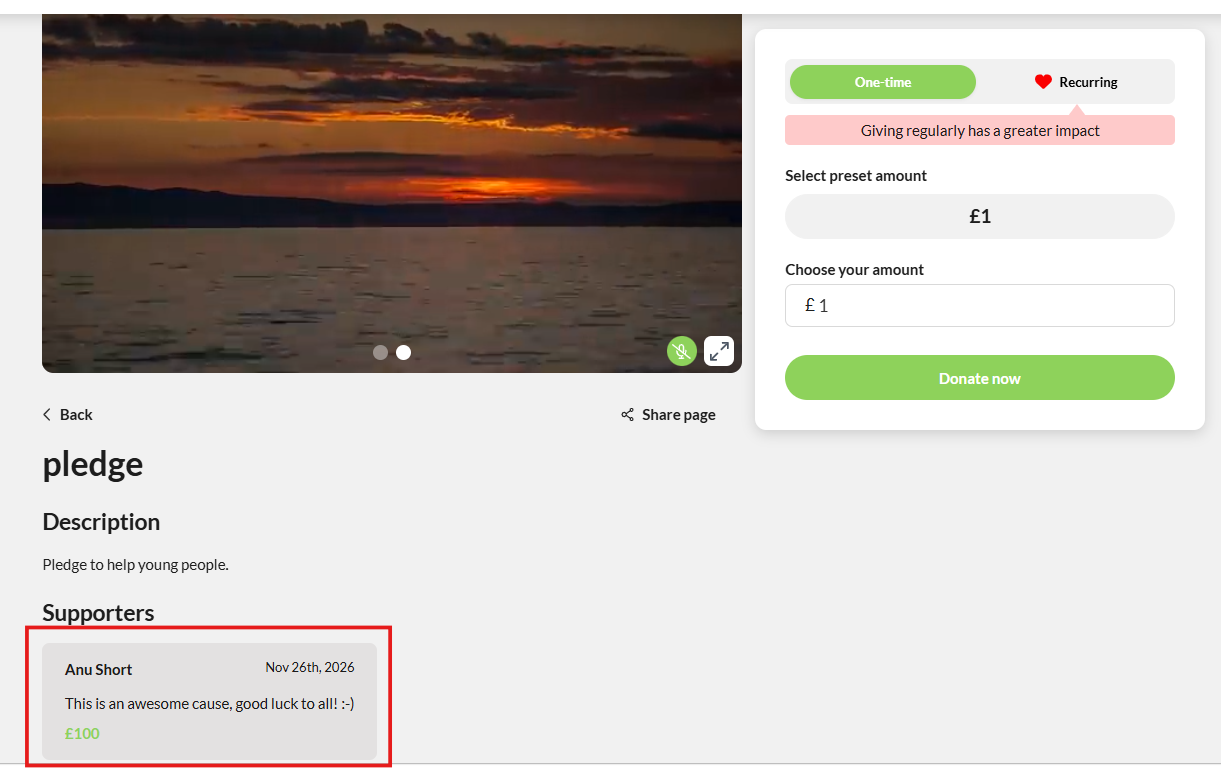
- If you would like to show the comments left by supporters on the pledge level also enable "Show Pledge Comments"