Create a Ticket Section
- Go to the All Pages menu and select Tickets
- Click the Sections icon next to Create Ticket
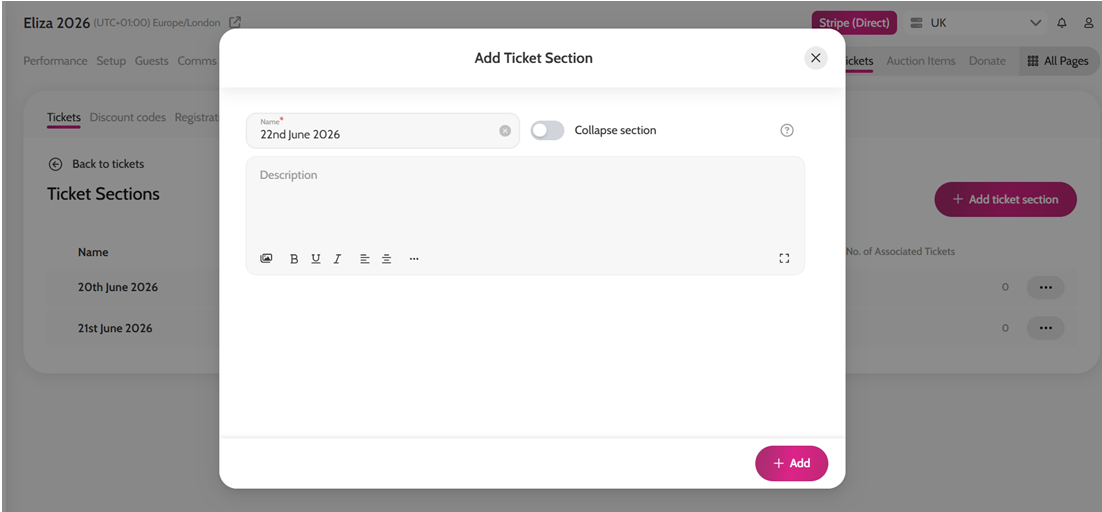
- Click + Add Ticket Section
- Enter a name for your section *(Optional) Toggle on Collapse section if you would like tickets within the section to be grouped together and collapsed by default.
- Click Add
Once your sections have been created, click Back to Tickets.
Assign a Ticket to a Section
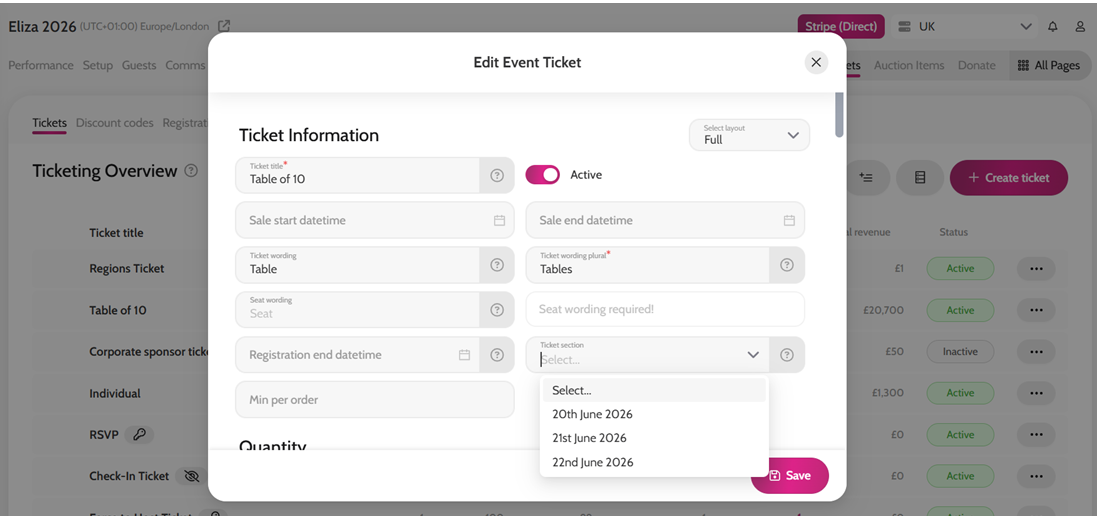
- Click the ticket you would like to assign to a section
- In the ticket edit form, locate the Ticket Section field
- Select the appropriate section from the dropdown menu
- Click Save
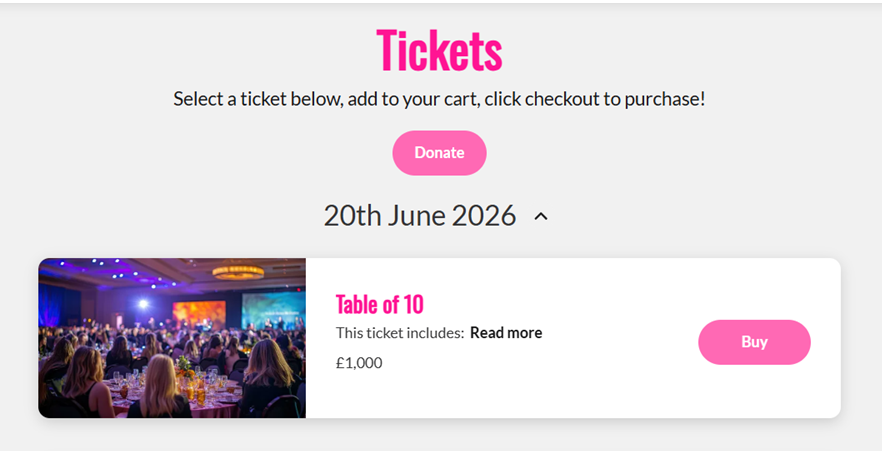
Your ticket will now appear under the selected section on the tickets page.
Create a Ticket Section

Assigning a Ticket to a Section