Firstly, to add a banner to your microsite, see our help article here.
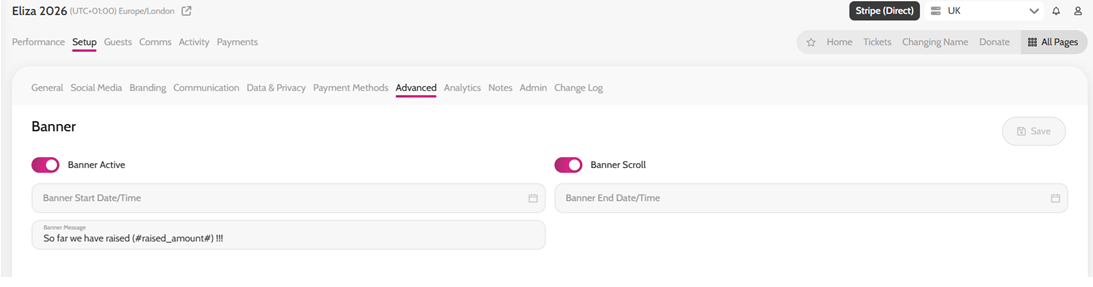
In the “Banner Message” field use the tag: (#raised_amount#)
*For example, you could write ‘So far we have raised (#raised_amount#)!’
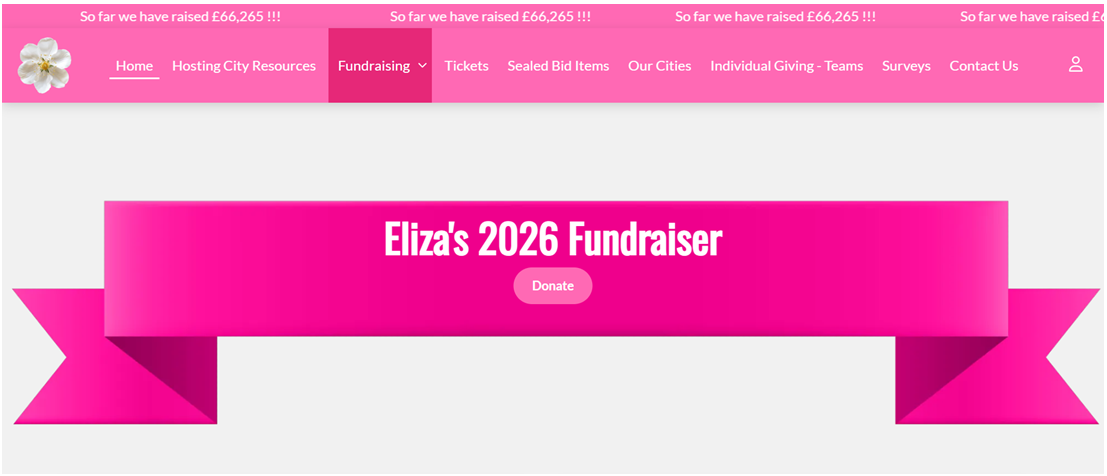
The Total Raised So Far will now show on your microsite banner.
Adding the raised amount tag in the Banner Message field
Showing the Total Raised So Far on your microsite banner