How do I download a report from the Performance page?
To download a report, go to Performance, open the relevant report category, click View Details, then click Export and choose CSV or XLS. The steps below walk through each action in order.
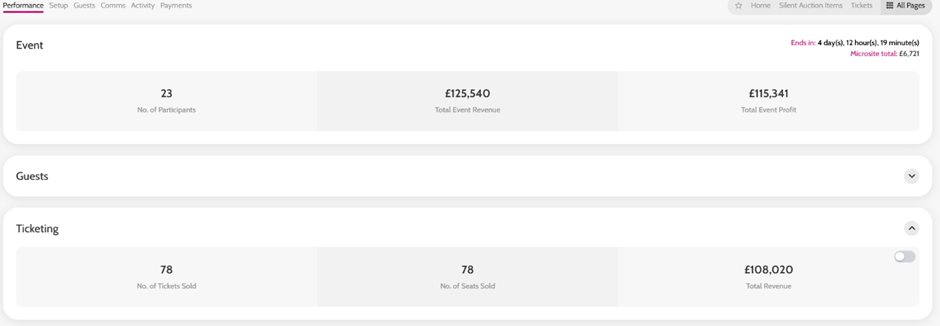
- Go to Performance.
- Select the dropdown for the report category you want to download, for example Fundraising - Auction, Fundraising - Pledging and Donations, Ticketing or Payments
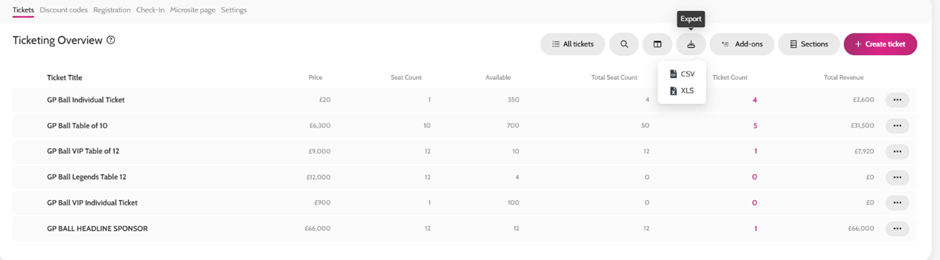
- Click View Details on the tab for the report you selected
- Click the Export button (right of the ‘Search’ & ‘Edit Columns’ field) and select CSV or XLS
Downloading reports