- Go to the All Pages Menu
- Go to Tickets
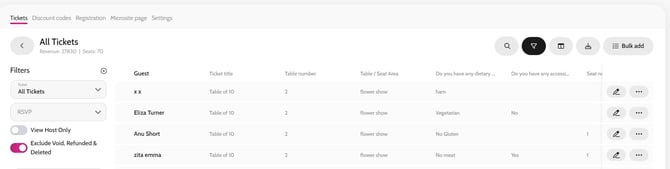
- Click All Tickets
- Toggle off View Host Only to see a list of every seat and guest name
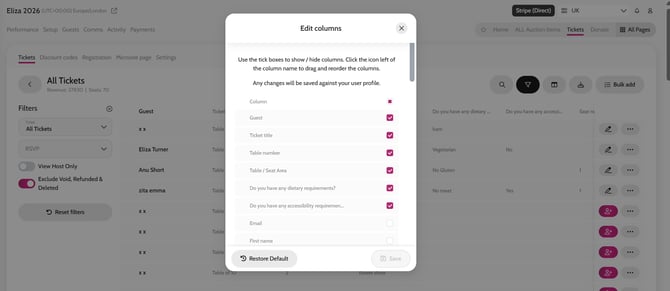
- Click the Edit Columns Icon (located next to the filter icon) to ensure you have all your registration questions activated on the report (you can re-arrange the order of the report too), click Save
- Click the Export button (right of the Edit Columns icon) and select CSV or XLS
Editing and Downloading Guest Registration reports