- Go to Payments
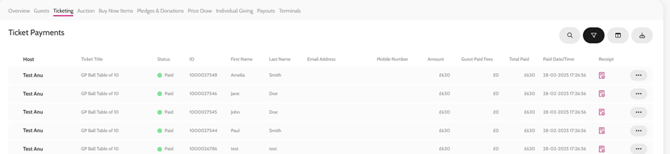
- Click on the desired feature tab (i.e., Ticketing, Auction, Pledges, etc.)
- Search for the guest
- Scroll across to the right to the Receipt column
- Click on the PDF icon to download the receipt
-
- The PDF icon will only show if the payment has been made
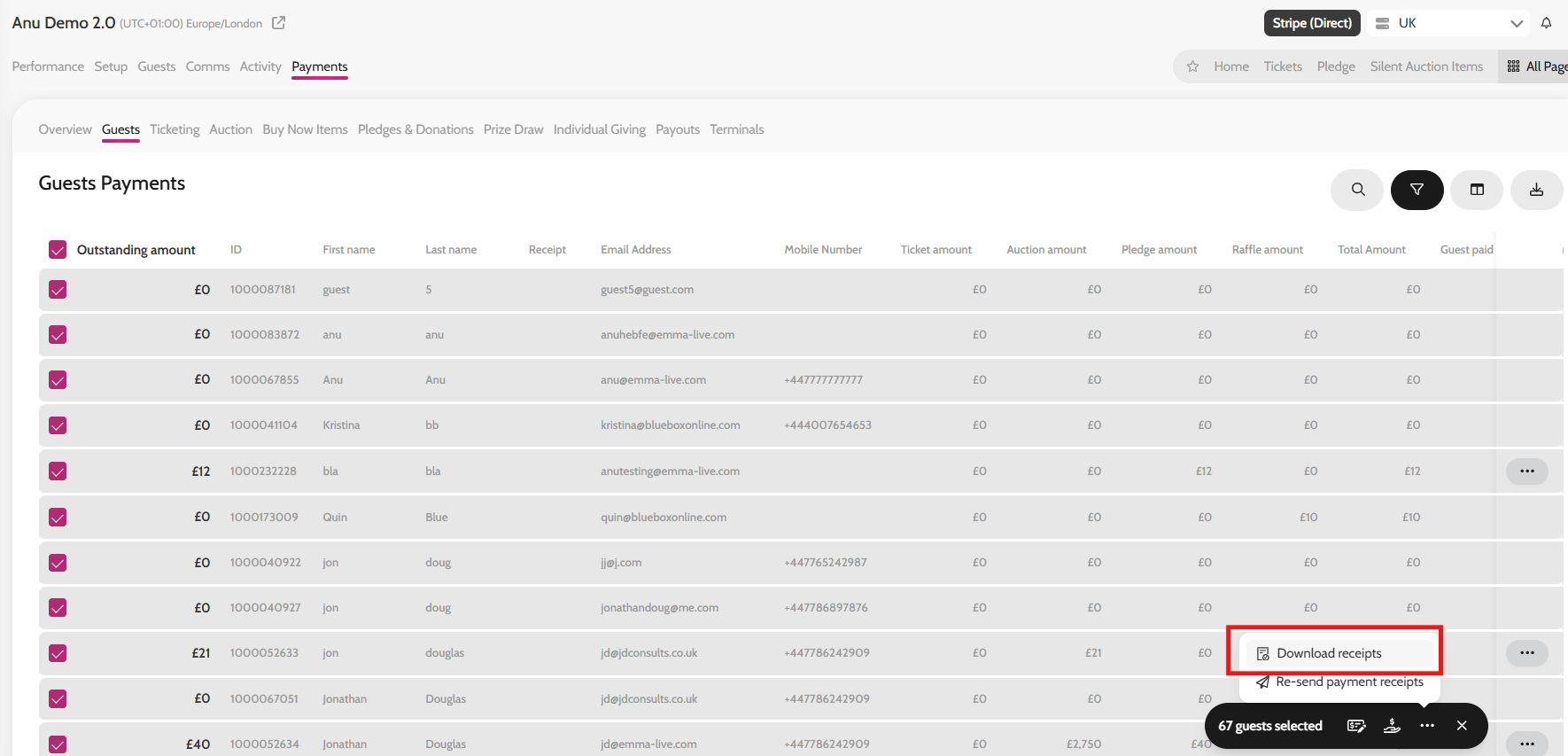
To download the receipts in bulk:
- Go to Payments > Guests*
- Select all guests
- On the bulk action tool click on the three dots '...'
- Click on Download receipts
*You can only bulk download receipts from Payments > Guests tab
Downloading guest receipts
Bulk downloading guest receipts