- Sign into your Emma Live account
- Go to Events tab on the left-hand menu
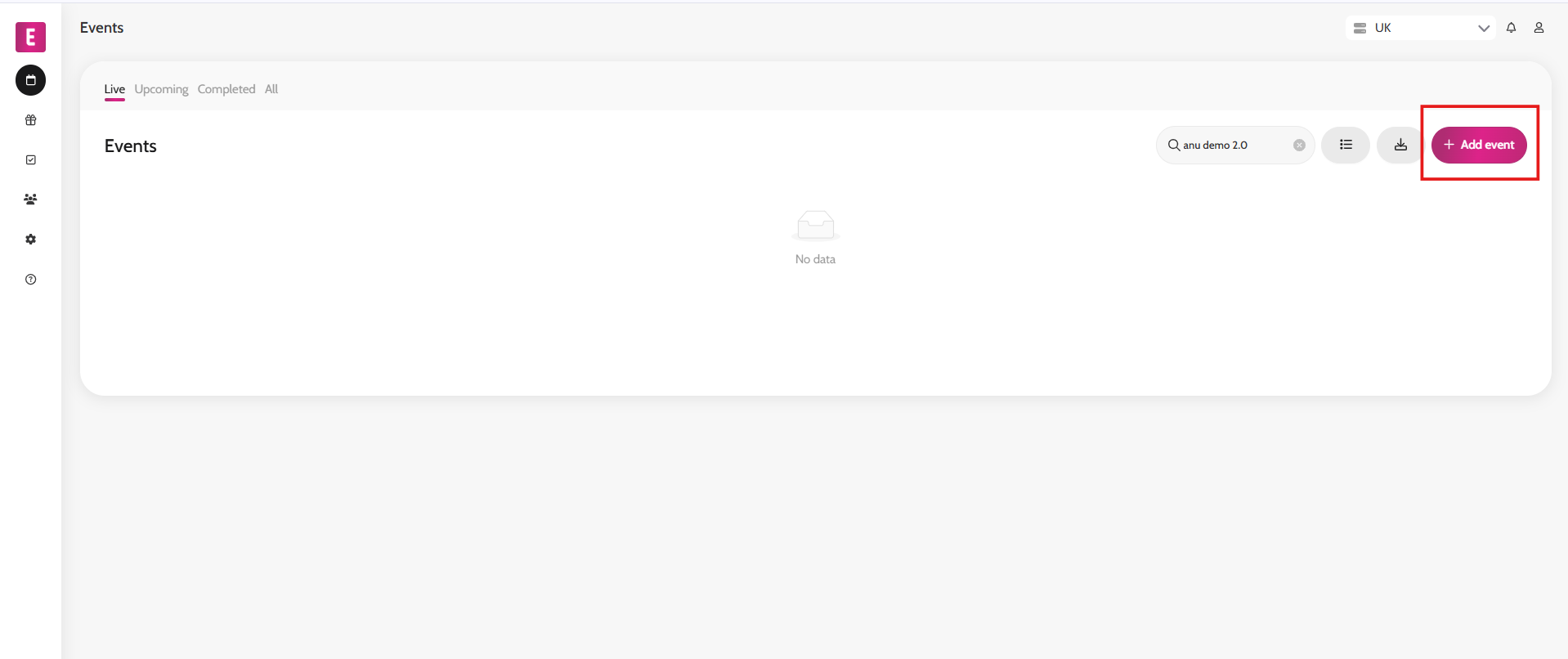
- Click Add event on the top right
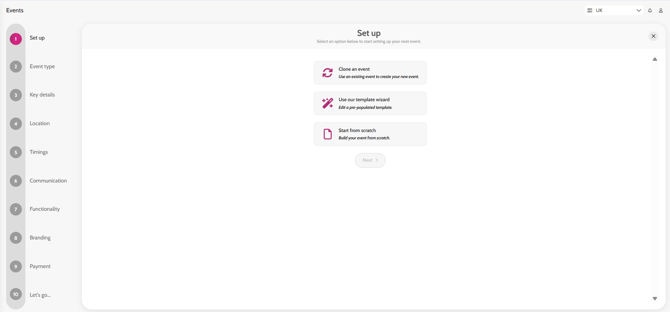
- Choose whether you want to clone a previous event, start from scratch or use our template wizard.
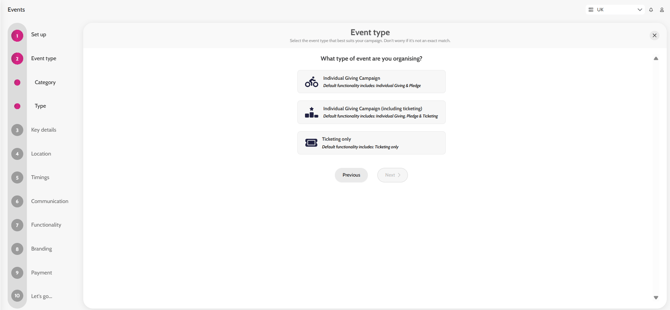
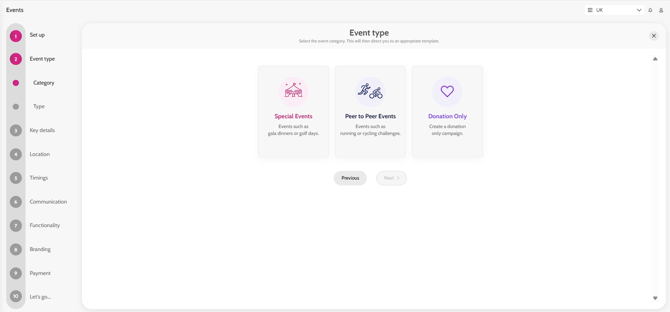
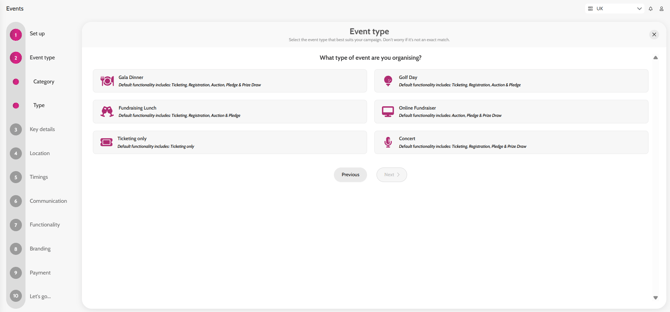
- If choosing to use our template wizard, you will be able to choose the event type category (e.g. Special Events, Peer to peer events or Donation Only) and within those you'll have a choice of more specific event types alongside with a description of what functionality they include (e.g. Gala dinner, Online fundraiser, Ticketing only).
- Complete the 10 setup steps and click on Create my event
- Your event is now created on Emma – watch our short Explainer video here on how to navigate the back-end system
Creating a microsite / event
Using the wizard templates
Special Events
Peer to peer events