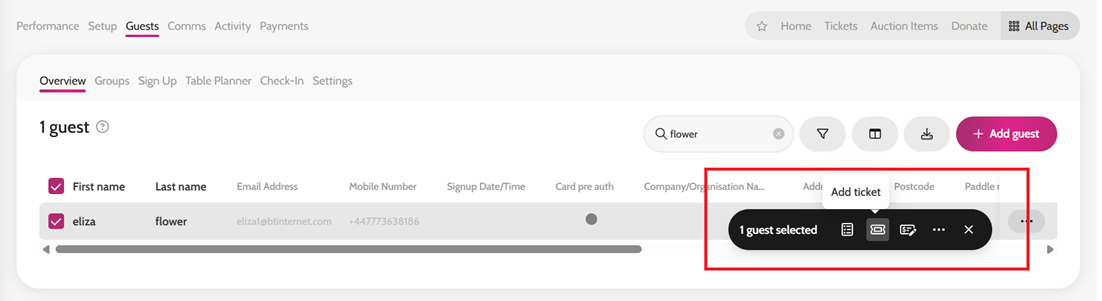
- Go to Guests > Overview
- Search for the guest and select them
- If you have bulk uploaded a guest list simply select all guests
- Go to your Bulk Action tab on the right-hand side > click the Add Ticket icon.
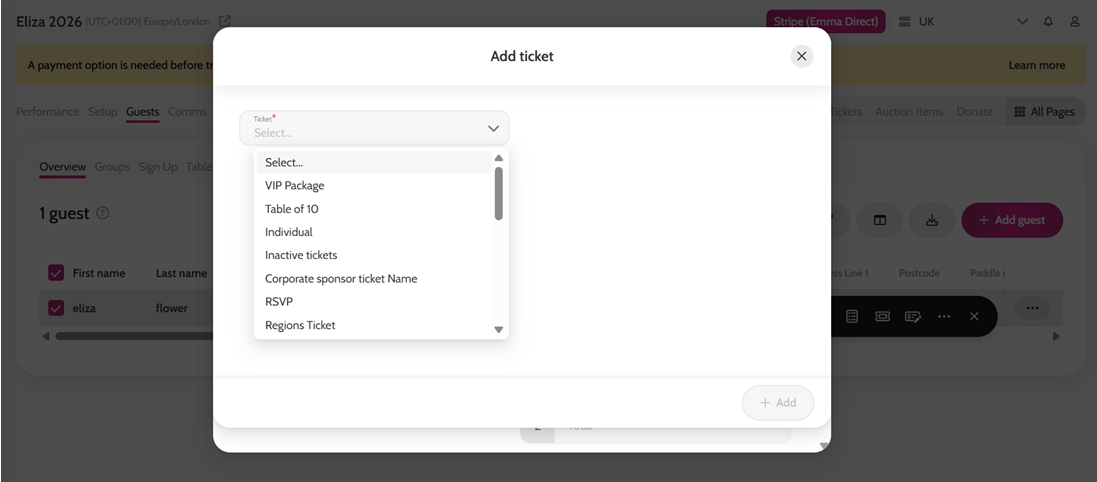
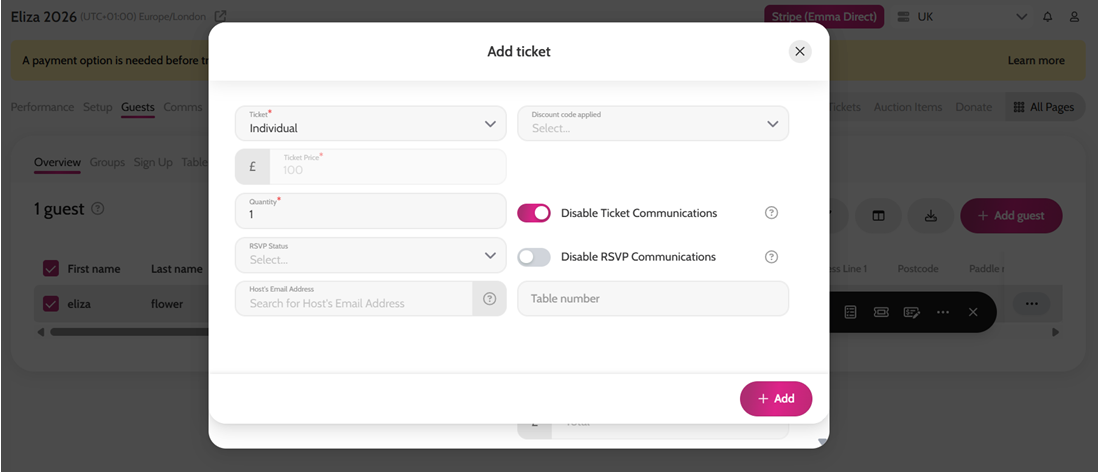
- Select the Ticket from the dropdown and amend the quantity or price if required. *Please note, if you would like to assign discounted tickets, you will need to follow the steps here.
- You can also disable any communication to the guest if you wish at this point
- Click Add
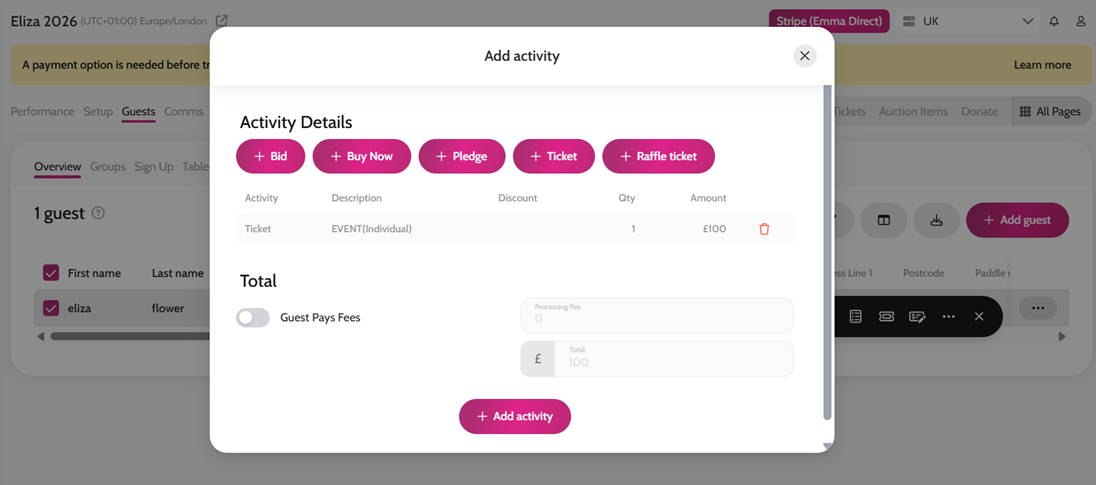
- If required, add any additional activities, such as a pledge or bid
- If no further activities are required, click + Add activity
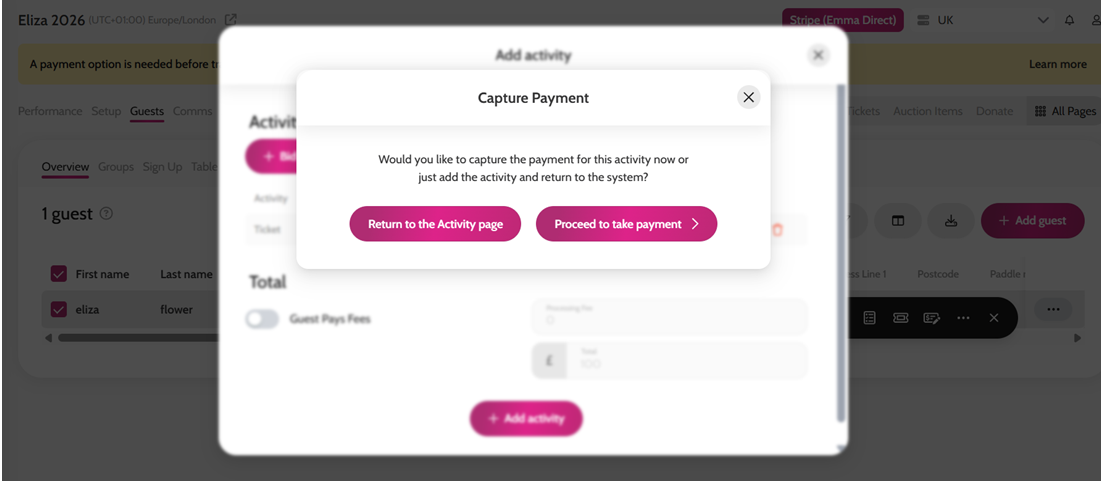
- You will then be prompted to either Proceed to take payment or Return to the Activity page