- Go to All Pages
- Click Individual Giving – Fundraisers
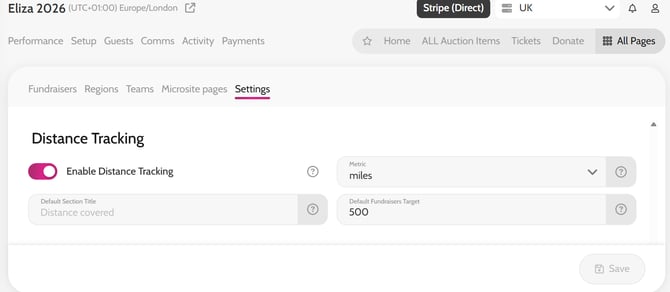
- Click Settings
- Scroll to Distance Tracking and toggle on Enable Distance Tracking
- You can set the measurement of distance e.g. Miles, set a default Target and default Section Title
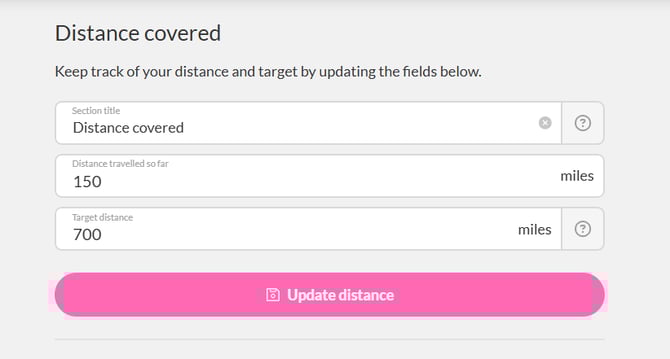
*The Fundraiser can update their distance travelled so far, and target from within their account