- Go to Activity
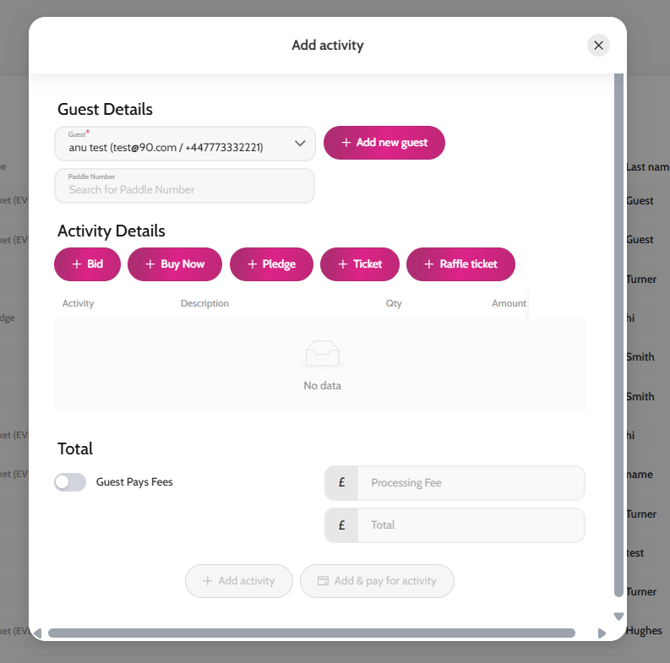
- Click + Add activity
- In the Guest field search for the guest’s name (if they have already signed up to your event) or click +Add new guest
- Click + Pledge
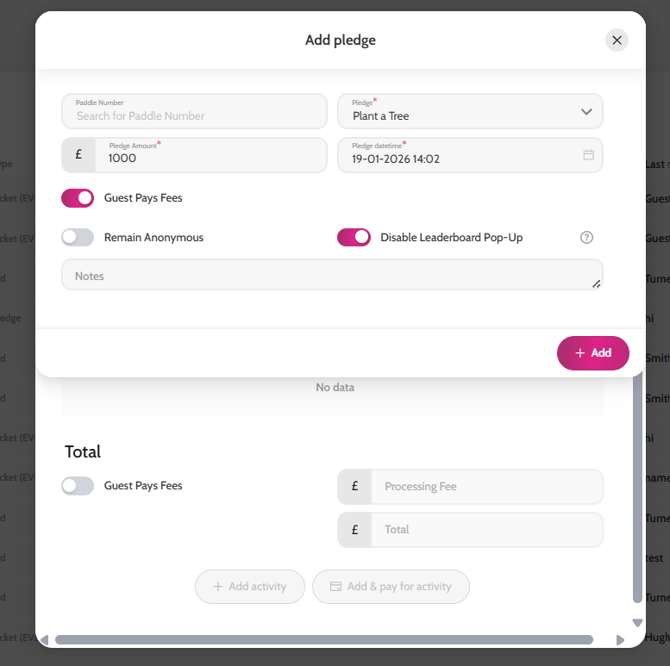
- Choose the Pledge you want to record the offline donation against
- Write the amount in Pledge Amount field and add in any notes you like in the Notes field
- Click Add > Add Activity
Adding an offline donation